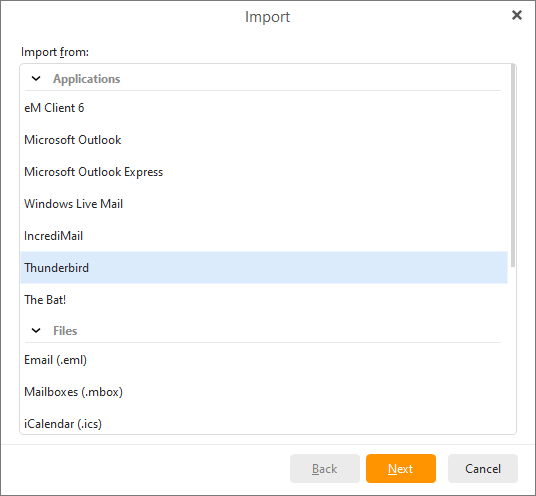
To import your emails, events, tasks and rules from Mozilla Thunderbird select File -> Import in the main menu:
Select the Import from Mozilla Thunderbird option, click Next.
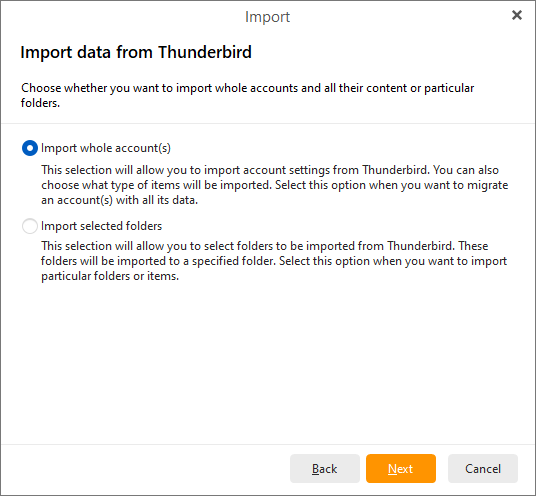
Here you can select either to import whole account(s) or selected folders from Mozilla Thunderbird.
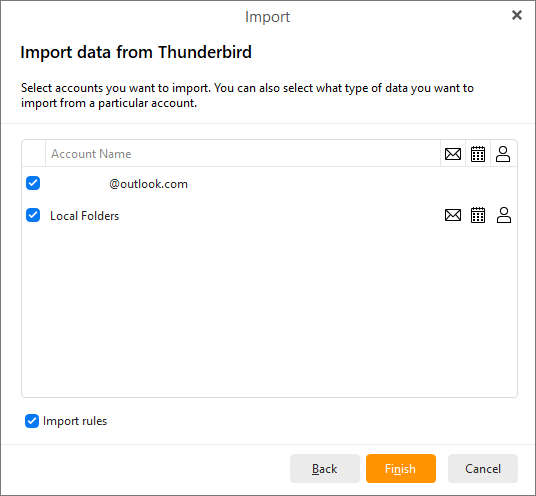
Finally, select accounts you want to import.You can also select what type of data you want to import from particular accounts.
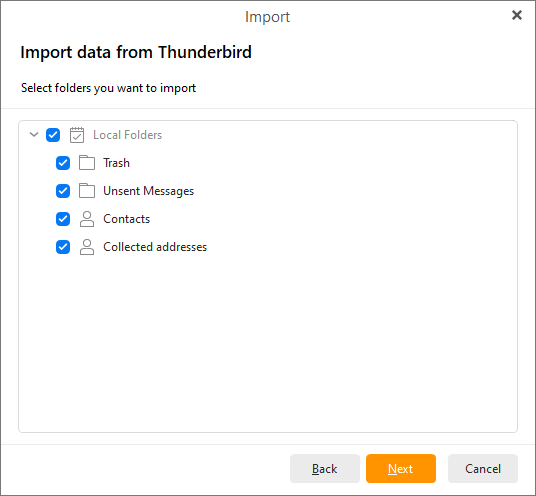
Here select Thunderbird folder/s which you would like to import.
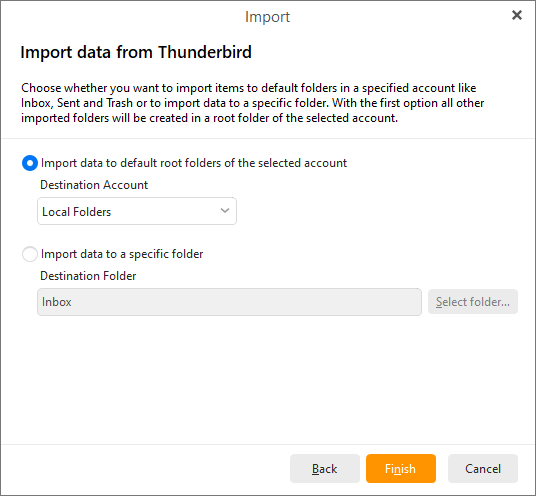
Choose whether you want to import items to default folders in a specific account like Inbox, Sent and Trash or to import data to specific folder. With the first option all other imported folders will be created in a root folder of the selected account.
Click on Next to finish the process.